 GiftCoves
Wish list, gift list or give together
One choice is fixed
The one question a new list asks is who it is for. That decides what the list can do, and it is the only thing you cannot change later. Name, occasion and who sees it can always be changed.
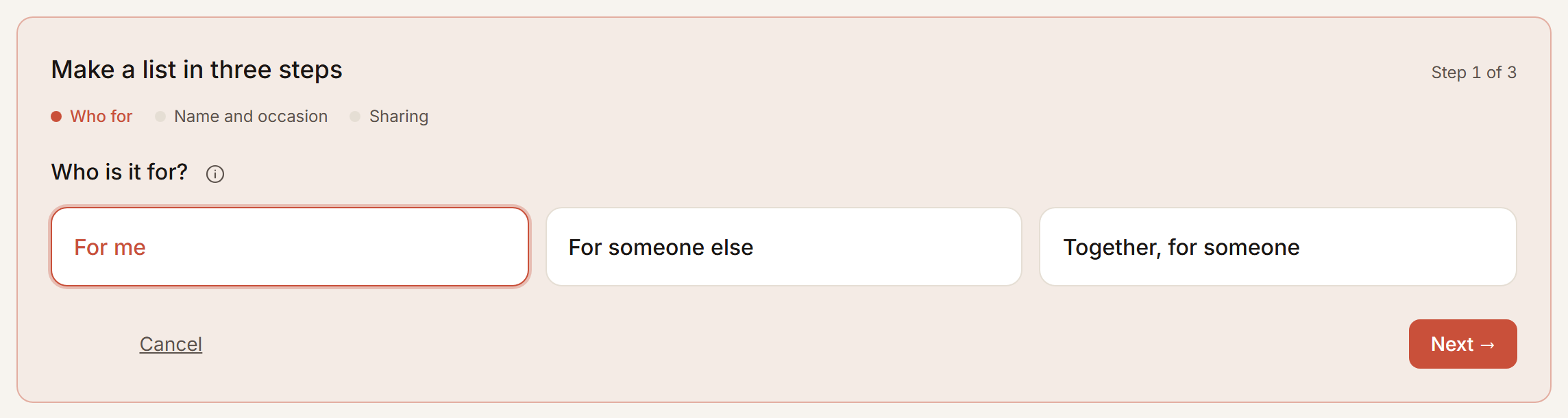
For myself: a wish list
What you would like. Share it and others can tick what they are buying, and you see neither what nor who. That keeps the surprise. If you would rather know, switch it on for that list.
For someone else: a gift list
Ideas for someone who never opens the list themselves. Whoever you share it with ticks what they are buying, so nobody buys twice. You do see that, because you are giving too.
Together, for someone: give together
One gift, several givers. Everyone with the link can add ideas, vote on them and say what they will chip in. No money moves here; you settle that between you. More under Buying a gift together.
An occasion and a date
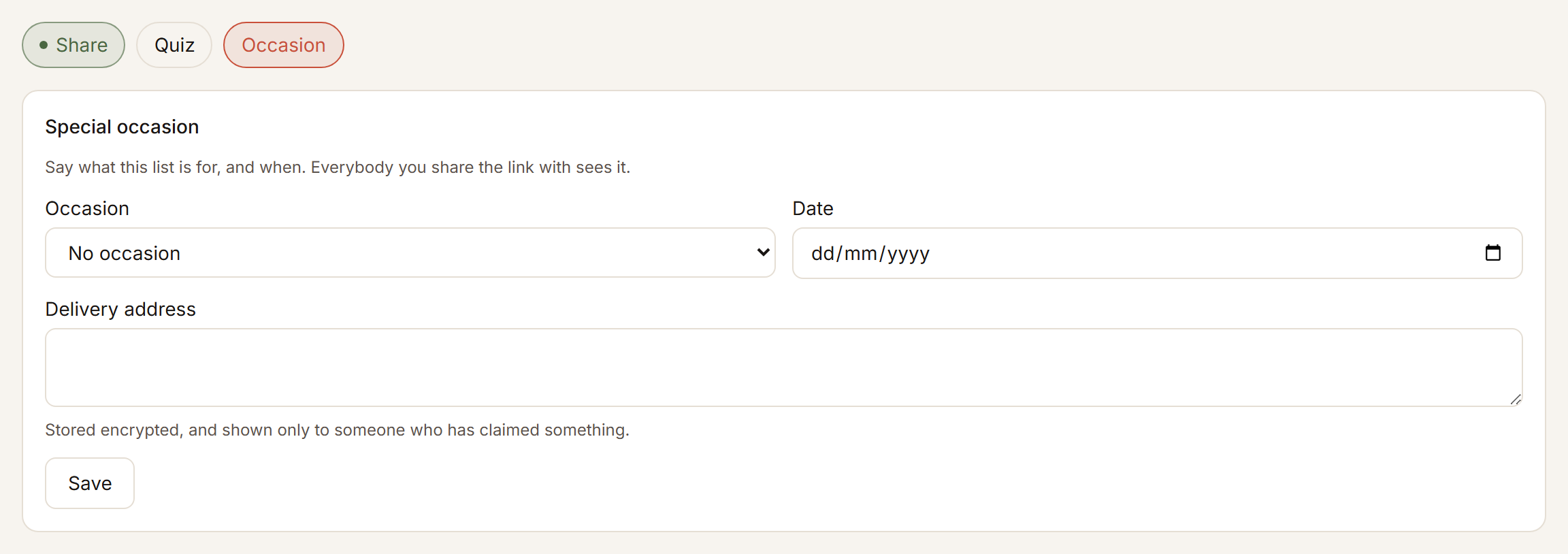
Any list can carry an occasion: a birthday, Christmas, a wedding, a birth, and ten more. For a birthday, Christmas and Valentine the date fills itself in. With a date, you get a reminder in time.
A budget
What you mean to spend is set per list: open the list, tap “⋯” then Settings, and fill in a from and a to amount under Budget. It then shows under the list’s name. For a list about somebody else, Find a gift uses that budget, and the budget you choose there goes on that list.