 GiftCoves
My people, birthdays and reminders
Everybody you buy for, on one page
My people lists everybody you buy for. Some you saved yourself and only you see. Others are friends on GiftCoves, marked “on GiftCoves”. To add someone only you see, tap “Add someone”: a name, and who they are to you and their birthday if you like.
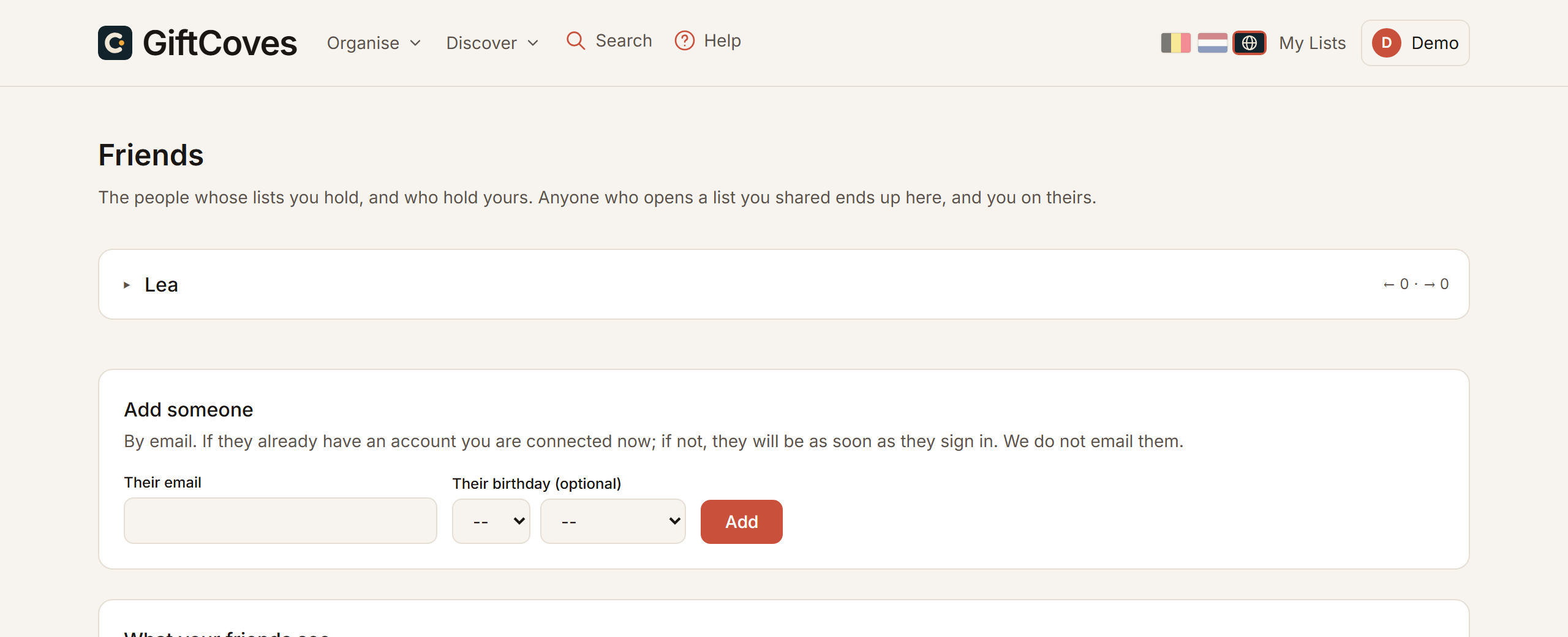
Becoming friends
When someone opens your share link while signed in, you are friends. To invite someone yourself:
- Go to My people.
- Tap “Add someone” at the top and fill in a name and their email address, and the birthday if you like.
- Tap “Add and invite”. That button only works once there is an email address.
We email them your invitation. If they already have an account you are connected at once; otherwise as soon as they sign in.
What a friend sees
On My people, “Details” on a friend shows their birthday, the lists they shared with you and which of your lists they see. What has been reserved never appears there. Removing a friend removes the connection on both sides; lists and reservations stay.
Birthdays
For a friend you keep the day and the month, never a year. It is your note. Your own birthday goes in your account, with the choice whether friends may see it.
Reminders
Thirty, fifteen and two days ahead you get a nudge for a birthday, a Secret Santa date and a list’s occasion. Here and by email. The email names the date and the link, never what is on the list.
Notifications
Under Notifications you see what happened: someone shared a list with you, added or suggested something, there is a new post in a discussion, something is back in stock, a search you follow has something new. Opening the page marks it all read.