 GiftCoves
← All topics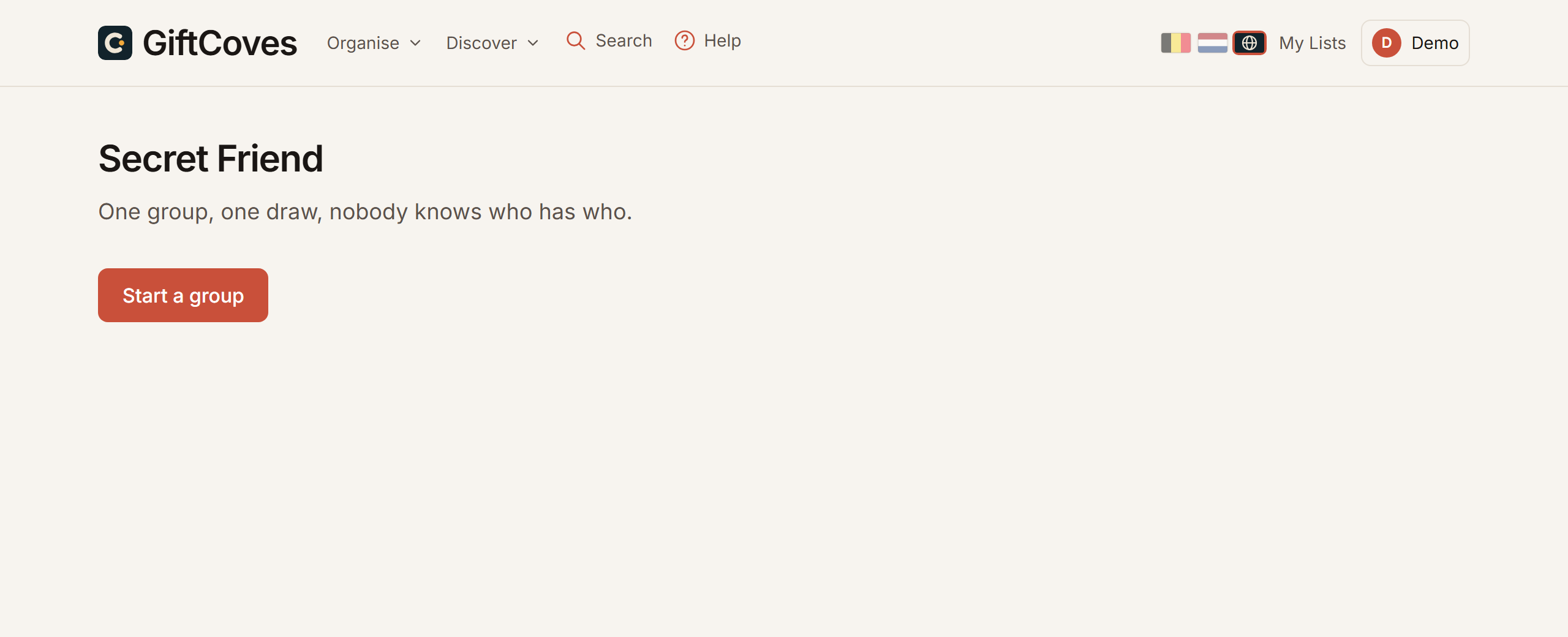
Secret Santa
Starting a group
- Go to Secret Santa.
- Tap “Start a group”.
- Give the group a name, a budget and the date you give the gifts.
You are the organiser.
Inviting everyone
- Copy the group’s invite link.
- Send it to everyone taking part.
- Whoever opens it fills in a name and an email address. No account needed.
Drawing
- Wait until everyone is in, at least two people.
- Tap “Do the draw”.
Everyone gets one name by email. The organiser never sees the pairs, so you stay surprised too.
If someone drops out
Remove them from the group, or choose “Redraw this person”. Only the pairs it touches are redrawn, and only those people get a new email.
Attaching my wish list to the group
Choose your list under “Your wish list” when you start the group, or on the group page afterwards. It also works the other way round: open your wish list and tap “More”, then “Secret Friend”, and “Use this list” next to the group.
Whoever drew you then sees what you would like, without you seeing who it is. No list yet? Make one in one step.
A reminder ahead
Thirty, fifteen and two days before the date you get a nudge, here and by email. More under My people, birthdays and reminders.