 GiftCoves
← All topics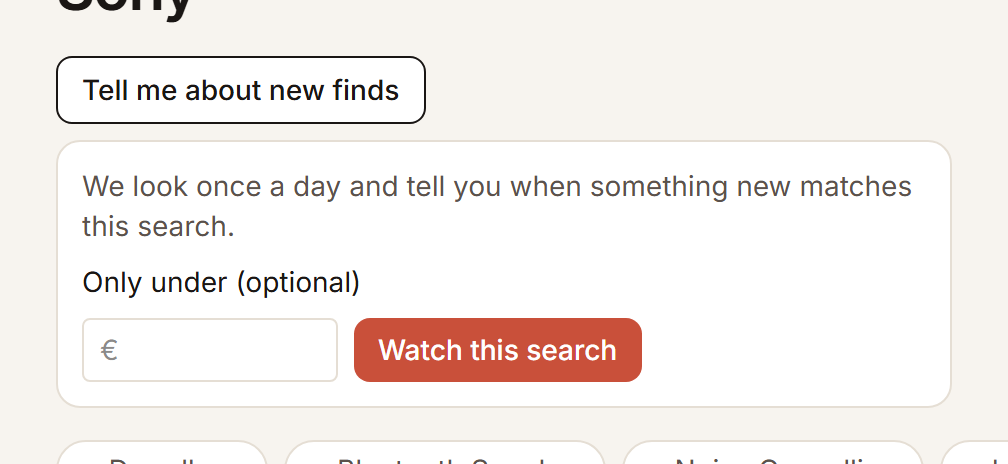
Keeping an eye on prices and stock
Save it, and the price follows by itself
A product on your list remembers the price at that moment. When it drops, you see it on the card, with the old price struck through. Nothing more is needed.
Back in stock
- Open the product page of something no shop has any more.
- Tap “Tell me when it is back”.
You get a nudge as soon as a shop has it again. Stop in the same place with “Stop watching”.
Following a search
- Search for what you want to follow.
- Above the results, tap “Tell me about new finds”.
- Fill in a maximum price if you like and tap “Watch this search”.
Every morning we check whether something new matches, and you see it under Notifications. Stop on the same search page with “Stop”.