 GiftCoves
← All topics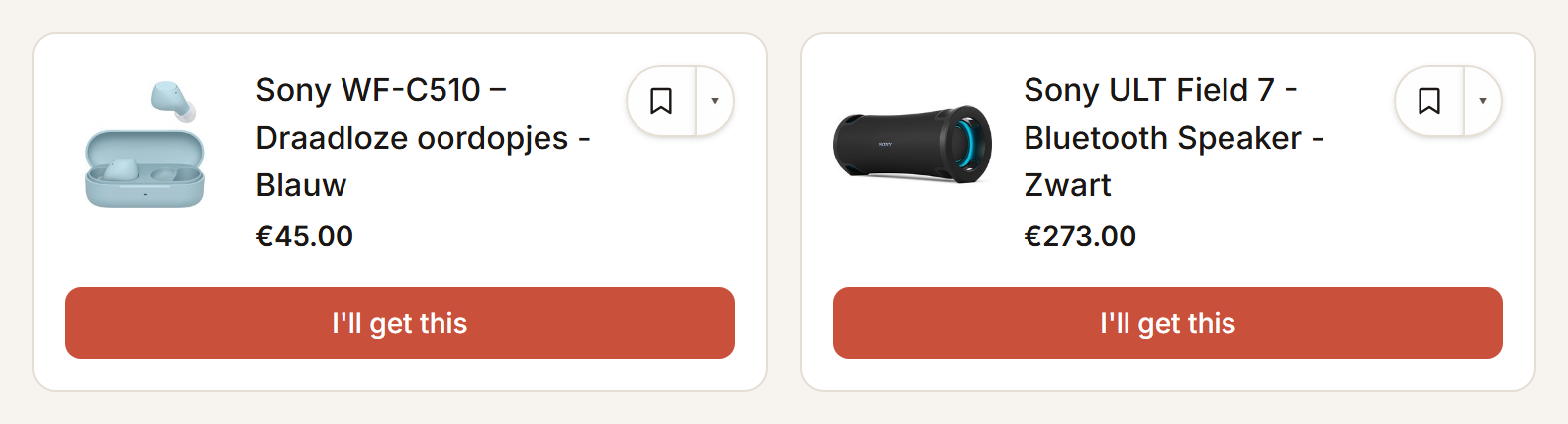
Buying from a shared list
Reserving
- Open the link to the shared list you were sent.
- Tap “I'll get this” on the gift you are buying.
- Sign in if asked; your tap is carried out afterwards.
That way nobody else buys it too. The person the list is for sees nothing of it.
Changed your mind, or bought
“Actually, no” lets it go again, whenever you like. “I have bought it” marks it bought. At the top you see how much is already reserved.
Suggesting something yourself
- Search at the foot of the list for what you want to suggest, or describe it yourself.
- Tap “Suggest something”, or “Add to the list” where that is allowed straight away.
Whoever manages the list sees your suggestion and decides. Whether it is allowed straight away is under Sharing a list.
Keep it for yourself too
Every item has a bookmark: “Save”. What you copy lands on your list without the reservation.